Apple Notebook Strategy?

Recently changed my early 2012 15″ MacBook Pro Retina (quad core i7, 16Gb) for the new 13″ Pro Retina (dual core i7, 16Gb). I passed the 15″ to a student who had more need than me for those two extra cores 😉

A few things struck me in this process:

Continue reading

On the go…

On the go…

Here is a few tools I really appreciate to carry with me on the go:
  • iPad: I do all of my reading and manuscript editing on it!
  • MacBook Pro Retina display: only on buisiness trip longer than a few days or if I need to finish that last presentation (Keynote for iPad works ok for simple presentations or when the presentation is ready. I still find it easier to build a presntation on the Mac).
  • Cables / Adaptors Organizer: I recently discovered the Coccon Grid-It. It is a simply, elegant and efficient organization system. The picture above shows a fully loaded “grid” with cables, adapters and so on. Just put it in your bag, very robust; nothing came out of it on my last trip (21 hours of plane, 28 hours of total travel and 4 airports later)
  • PlugBug: I really like Twelve South PlugBug power adapter for iPod/iPhone and iPad. The nice thing you can fit it on the top of the MacBook adapter so that it uses a single wall plug.
  • Logitec usb+laser presentation tool.
  • Bose QC 15 for those long flight. Very confortable and highly efficient noise cancelling. I found that it does make a difference on long flights. I did own cheap noise cancelling headphones for the past few years. I have to admit that the QC15 are really in a different class.
  • Digital camera: Just replace my iPhone3GS with a iPhone 5 two weeks ago (just in time for conference travels 😉 ). As advertised, I found that it covers my needs for pocket size camera and business trips photography very nicely. Of course not in the same category of a full-fledge Canon or Nikon camera but my pictures of the Sydney Taronga Zoo are really quite good.
  • Good old pen: you have to fill out those custom forms after all.

Thinner, lighter and faster

Just received my new workhorse, a brand new MacBook Pro Retina display. 2.7 Ghz Quad-core i7, 16 Gb ram and a large 750 Gb SSD drive 😉

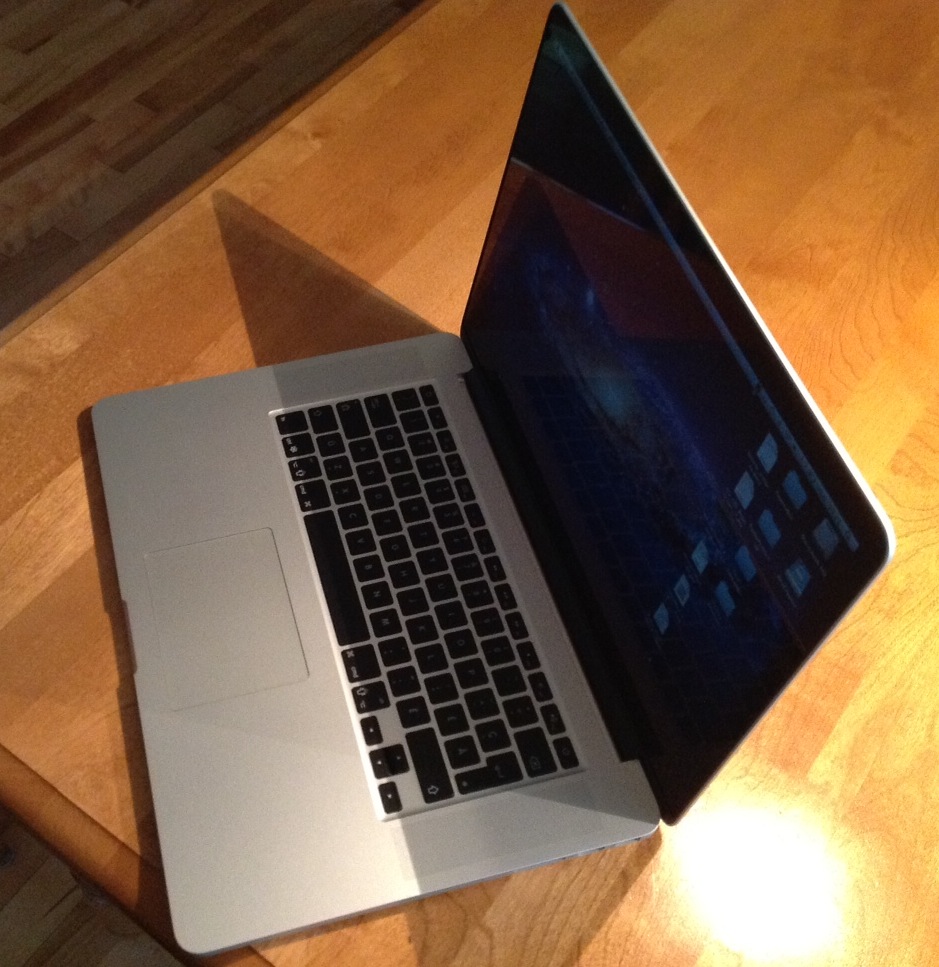
So far, not only the display is quite amazing but the speed of the thing. Booting take less than 11 seconds thanks to the new generation of SSD drive used in this MacBook Pro. Get off the sleep mode is almost instantaneous. The screen remain visible even as you approach 180 degrees. The difference in weight with my 2010 MBP is obvious and this notebook is clearly thinner. I will get a few weeks of usage and report on the lack of DVD/CD drive (which I have not been using very often on my old MBP).